Bot UNO
Gaming@unounofficialbot
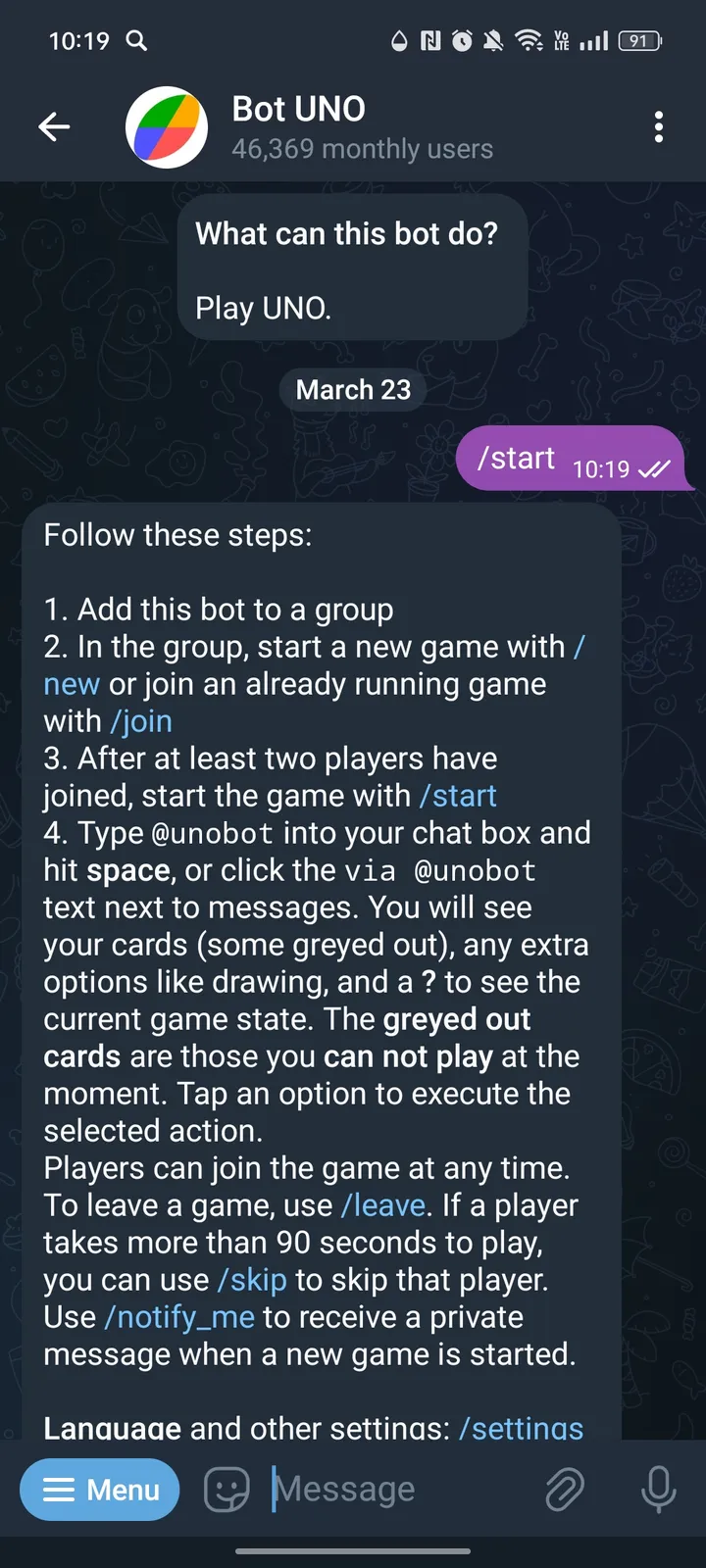
Follow these steps: 1. Add this bot to a group 2. In the group, start a new game with /new or join an already running game with /join 3. After at least two players have joined, start the game with /s
About
Follow these steps:
1. Add this bot to a group
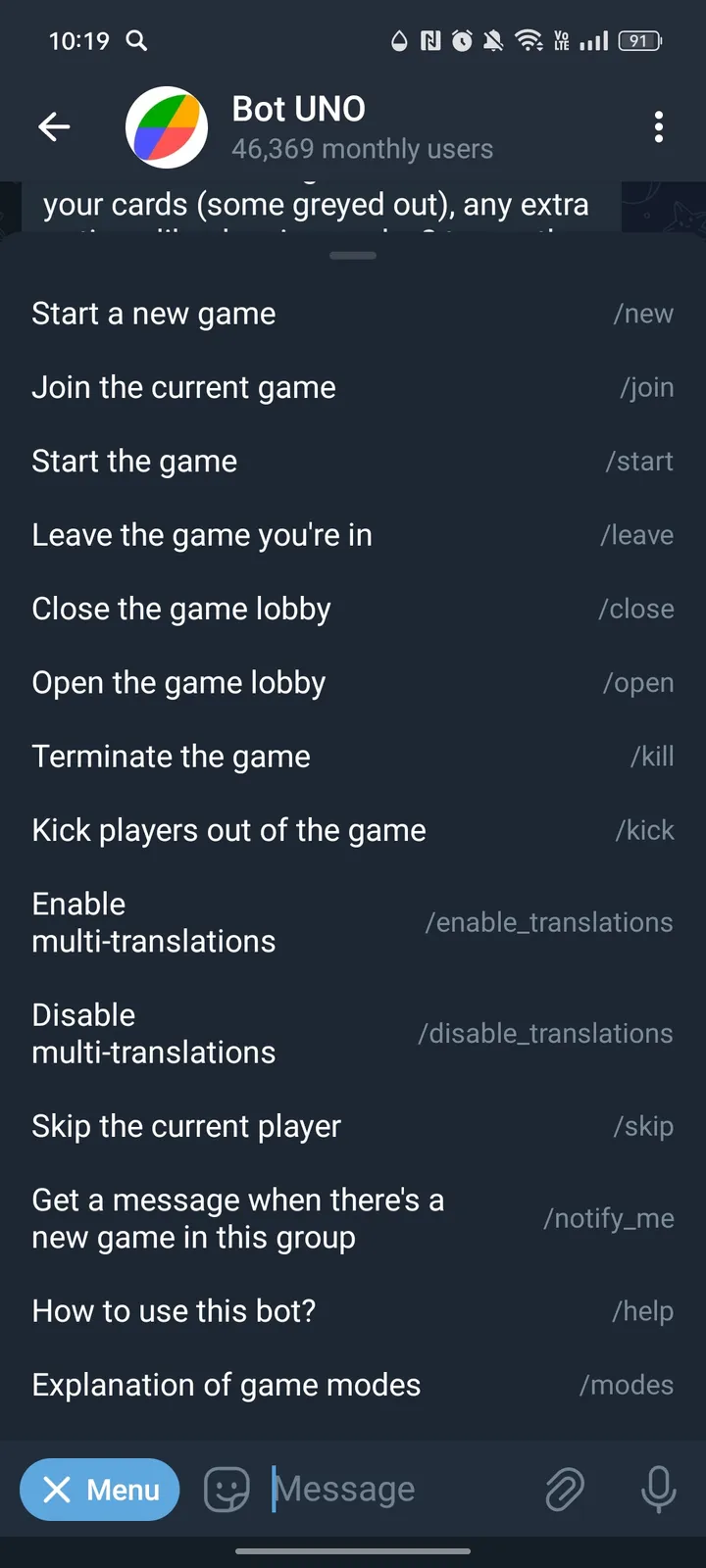
2. In the group, start a new game with /new or join an already running game with /join
3. After at least two players have joined, start the game with /start
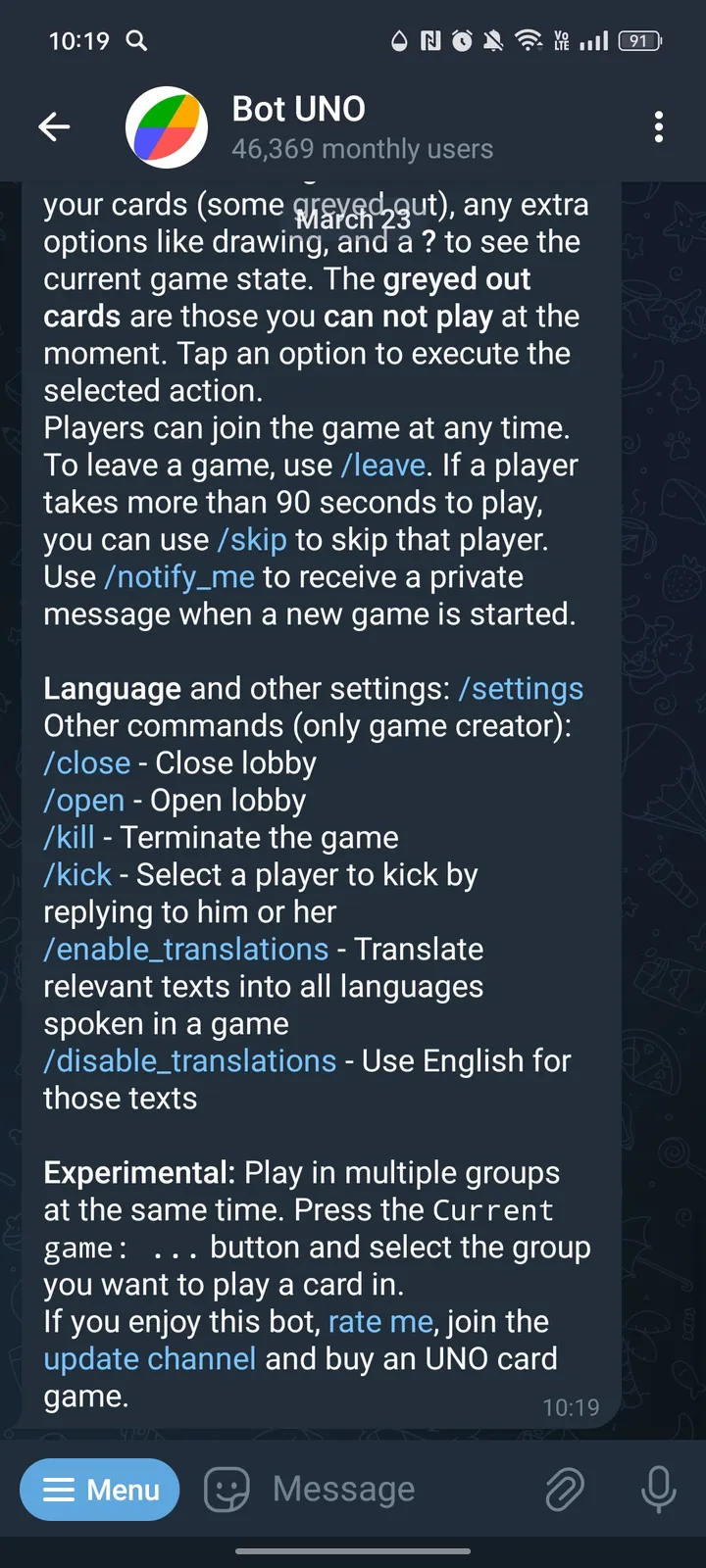
4. Type @unobot into your chat box and hit space, or click the via @unobot text next to messages. You will see your cards (some greyed out), any extra options like drawing, and a ? to see the current game state. The greyed out cards are those you can not play at the moment. Tap an option to execute the selected action.
Players can join the game at any time. To leave a game, use /leave. If a player takes more than 90 seconds to play, you can use /skip to skip that player. Use /notify_me to receive a private message when a new game is started.
Screenshots